Blurred doesn’t
mean removed.
Blur, pixelation or a solid cover?
A small choice before you share. A real difference for your privacy.
The practical answer.
For sensitive text, faces or plates, our recommendation is a fully opaque cover in a flattened, exported image. Ordinary blur and pixelation can leave clues; neither is a reliable promise of removal. Check the saved copy and its metadata before sharing.
What happens to
the detail underneath?
Start with the method. An effect’s appearance alone cannot tell you how it was made.
- Ordinary blur
- Mixes nearby pixels.
Weighted averages soften the detail. Some information is lost; patterns can remain.
- Ordinary pixelation
- Averages pixels into blocks.
The block colours still depend on the detail being hidden. Researchers have used that relationship to recover text.
- Opaque replacement
- Replaces the selected detail.
A solid cover can replace those pixels in the exported image. The whole sensitive area must be covered, and the file must not retain the original underneath.
For sensitive details, choose replacement and check the export. AnonyMax’s Mosaic look is a replacement cover, explained below.
The evidence.
With its limits.
These are specific demonstrations. They do not show that every blurred photo can be restored.
Pixelated text has been recovered.
Bishop Fox’s 2022 Unredacter demonstration recovered a challenge’s pixelated text by comparing rendered guesses. Matching the font, size and spacing mattered. This is evidence about text under particular conditions, not universal photo recovery.
Video can reveal more across frames.
Positive Security combined frames from moving, pixelated video to improve a test account number’s readability; one digit remained ambiguous. Multiple frames can expose clues that one still image does not.
Four checks.
Before the file leaves you.
Use these with any suitable editor. For sensitive material, prepare the copy locally before sending it to an online service.
Before uploading a photo to AICover the complete detail.
Use a fully opaque, filled shape with a margin around the text or identifier. Avoid a translucent highlighter or a thin stroke. Check for missed edges, reflections and repeated details elsewhere in the photo.
Export a separate, flattened image.
Flattening makes the cover part of the image’s pixels. Export a fresh PNG or JPEG using a tool that applies the edit. Share that copy, not the original, an editable project or a file with removable annotation layers. A file extension alone proves nothing.
Check the hidden data separately.
A cover does not remove GPS, author fields or other metadata. Remove unwanted fields and inspect the actual file you plan to send. Changing the format or taking a screenshot is not proof that all metadata is gone.
Open the copy you are about to share.
Inspect it outside the editor and zoom in on every covered area. Review the background, caption and filename too. A face cover leaves clothes and surroundings visible. A visual check helps catch misses; it cannot prove that no hidden data remains.
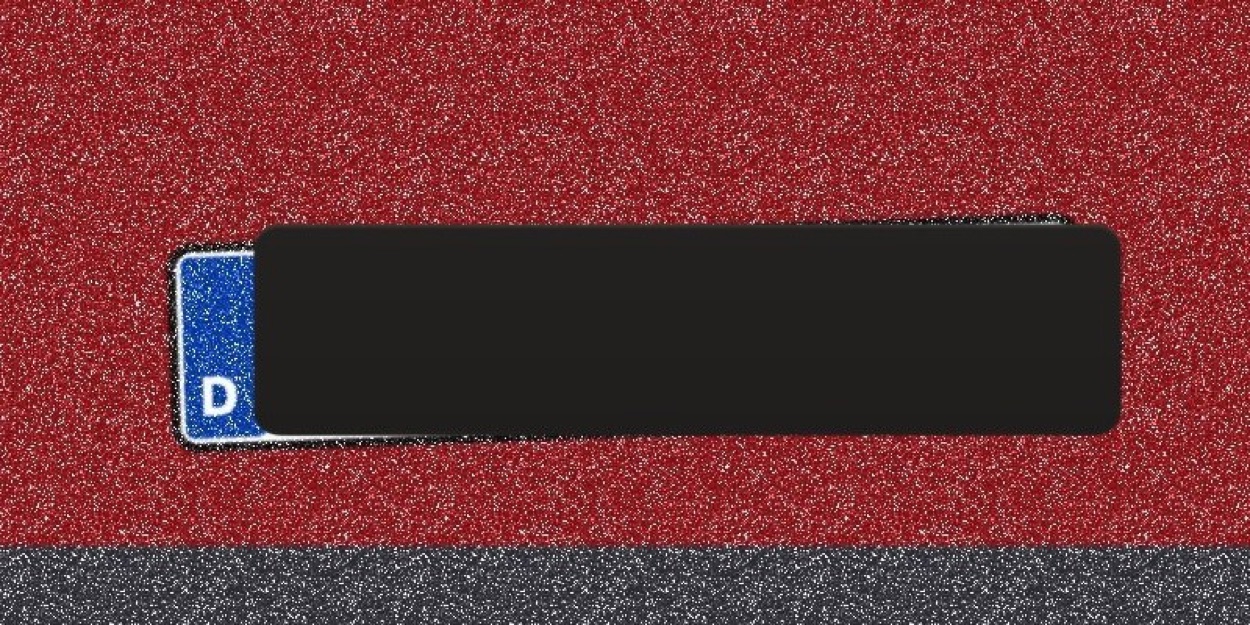
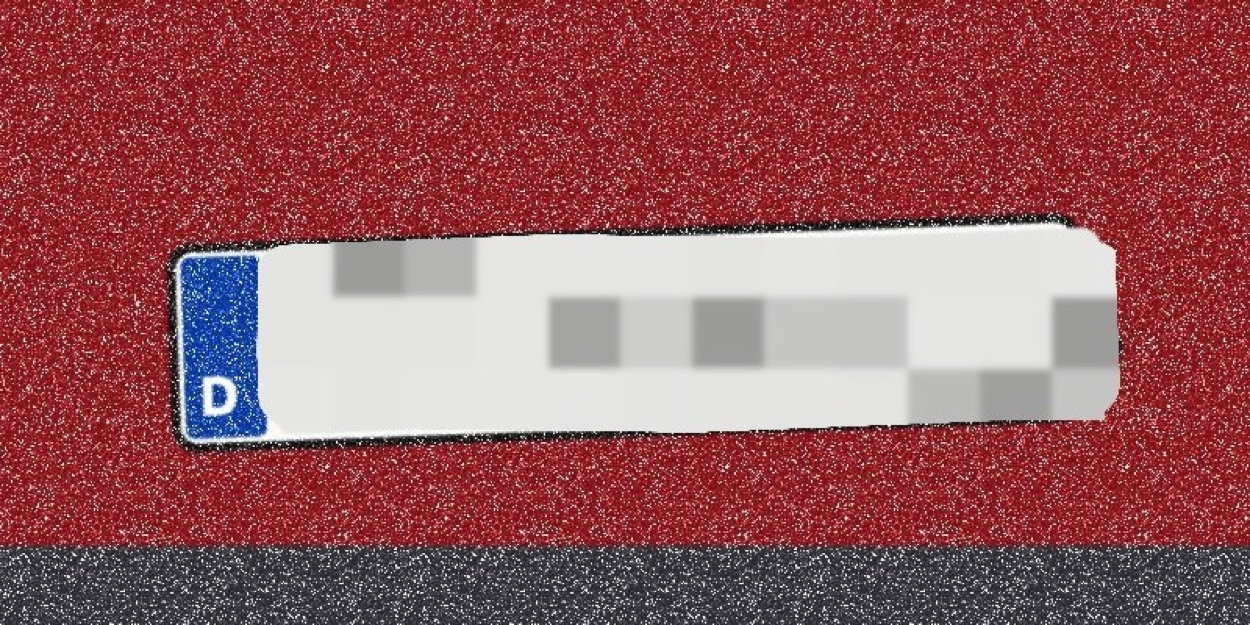
Synthetic test scene from our engine checks. Two replacement looks, not a demonstration of recovering a real person’s plate.
On your Mac. Private & Offline.
Two looks.
Built to replace.
AnonyMax’s Plain cover uses a solid fill. Its Mosaic look is built from surrounding colours and fresh randomness, not an average of the covered detail. The look can be pixelated without being ordinary pixelation.
The engine’s content-independence tests compare different hidden details with the same randomness. Read the test scope and results in How it works. Cover size, shape and the rest of the photo can still reveal context.
Find and cover faces, plates and codes, remove metadata, then re-check the saved copy. Review what AnonyMax finds and add anything it misses.
5 photos a month free with Plain. Pro is one purchase.
Before you trust the effect.
Can blur or pixelation always be reversed?
No. Recovery depends on the method, strength, source quality and what an attacker knows. The text and video research above demonstrates specific failures. It does not prove that every blurred face or plate can be reconstructed.
Is a black highlighter enough?
Only a fully opaque cover replaces the visible detail. Some marker and highlighter tools are translucent. Choose a filled opaque shape, cover the whole area and export it into the image pixels. Reopen the saved copy to check for gaps.
Does saving as PNG or JPEG make the image safe?
No. The export must apply the opaque cover rather than preserve an unedited original or editable layers. Metadata needs a separate check. Neither the extension nor a successful visual inspection is a privacy guarantee.
Can AI reveal a face behind a solid cover?
If the exported image has fully replaced the face’s pixels, those pixels are absent from that image area. AI can generate a plausible face, but that is not evidence of the original. Other context, another copy or the person’s clothes may still identify them.
What about screen recordings and video?
Review the full clip, including cuts and movement. A missed frame or slipping cover can expose the detail, and moving pixelation introduces additional risks. This guide’s four-step workflow is for still images; video needs a suitable video-redaction workflow.